
Automatic day preparation
Deskit prepares your day from desk presence, so your workday already exists before you start reviewing it.
Presence first. Time refined.
Deskit prepares your day from desk presence, so you do not actively track time. You review, correct, and enrich what is already there, including absences, business trips, and project meaning.

Why it feels different
Deskit prepares your day from desk presence, so your workday already exists before you start reviewing it.
You stay in control. Confirm, correct, hide, or restore entries whenever something needs a second look.
Presence stays automatic. Add projects later only when you want more meaning and structure.
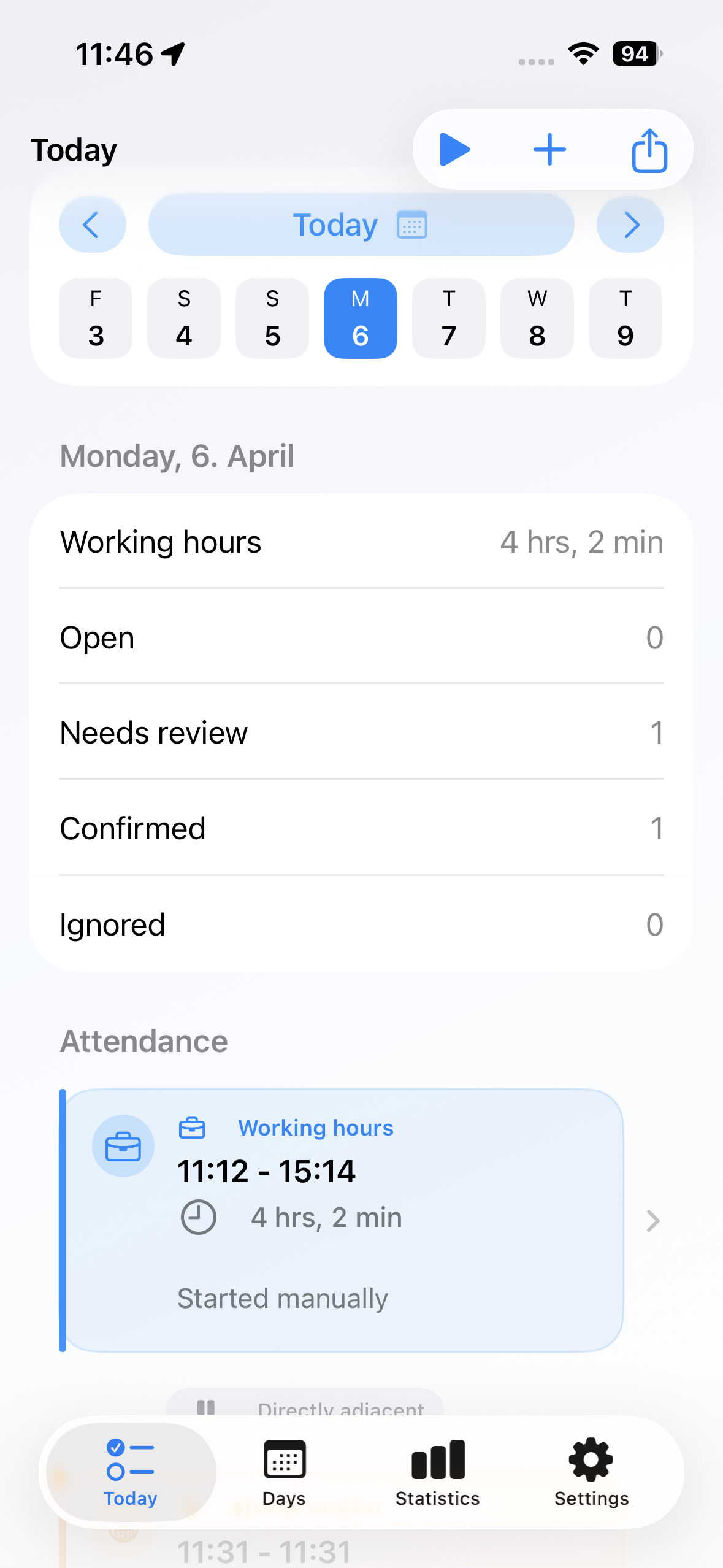
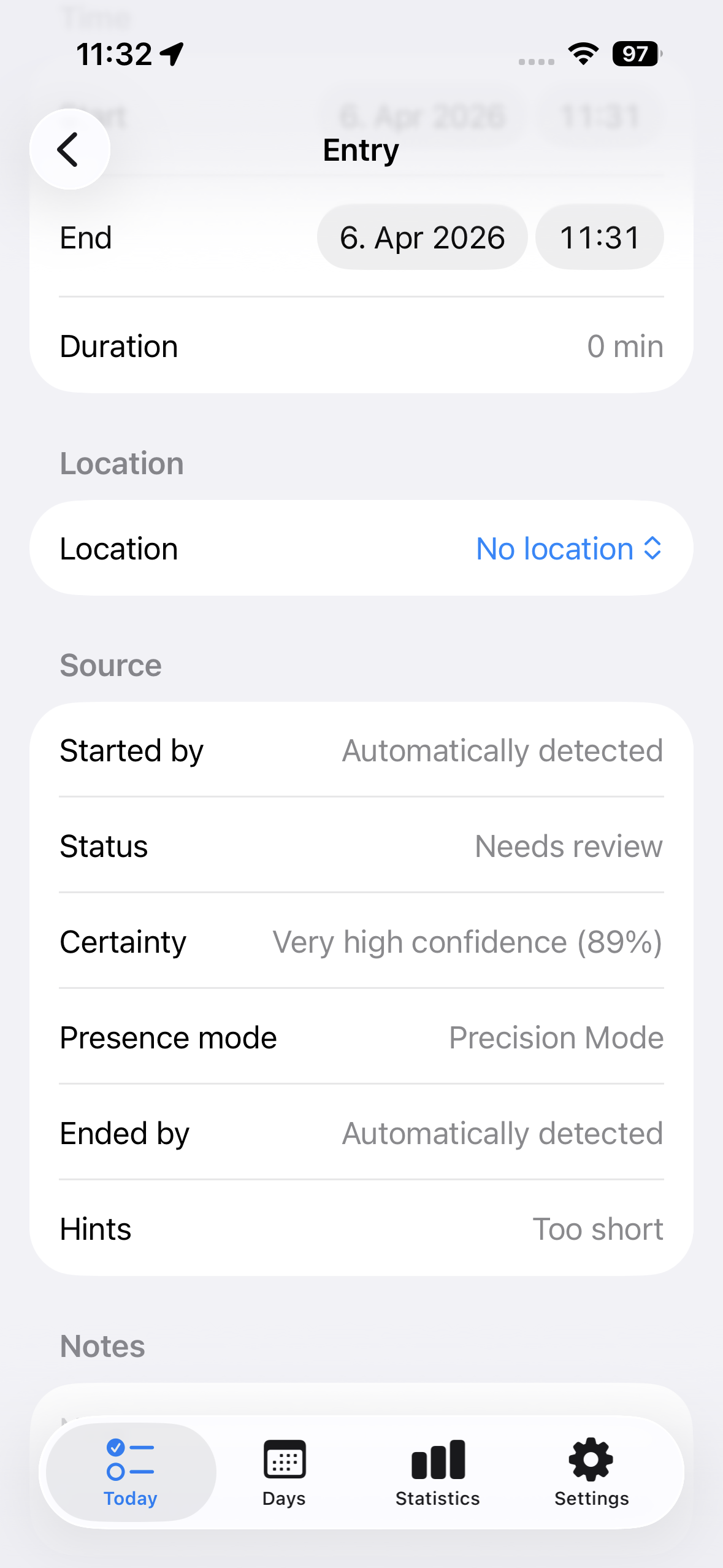
Today view
The Today view is the core of Deskit. It shows what was prepared automatically and what else belongs into the same day.
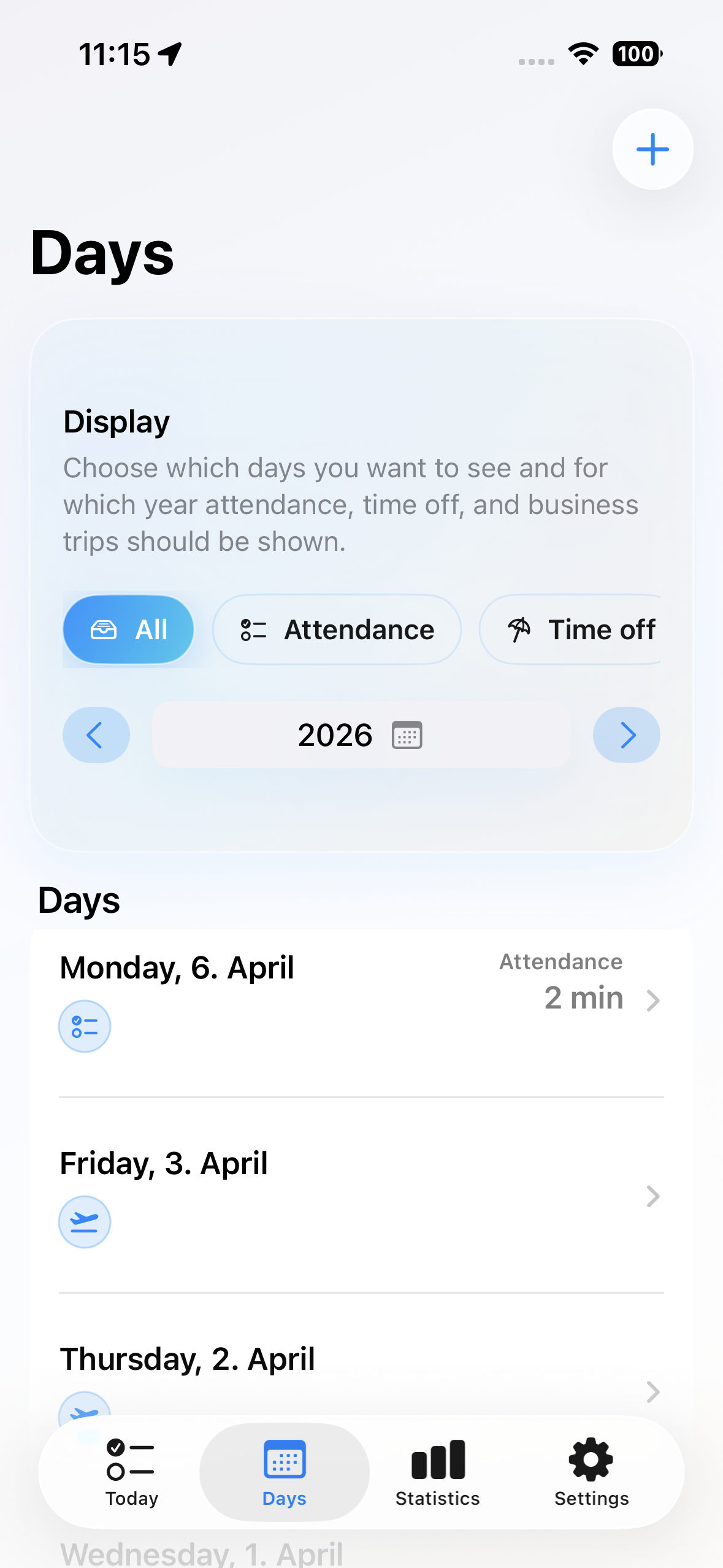
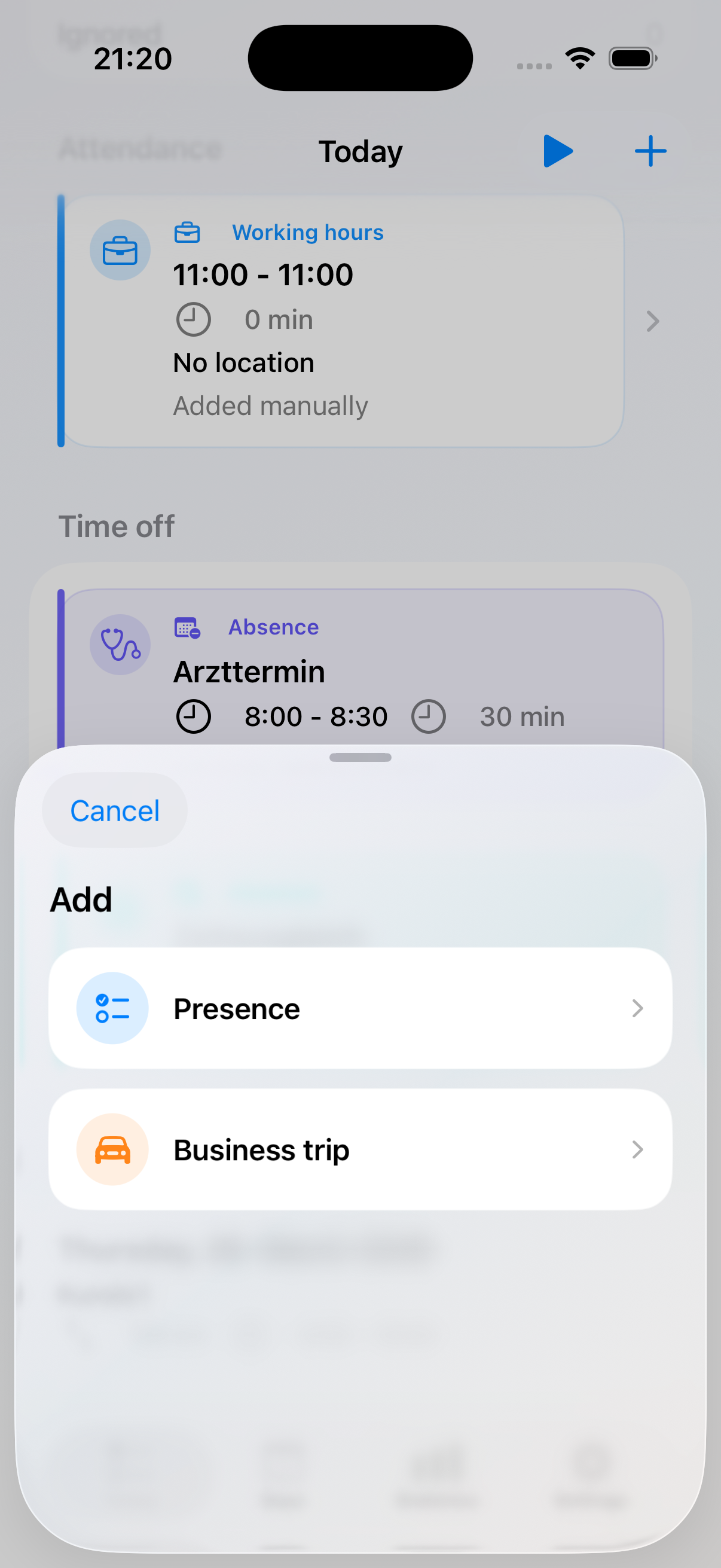
Day overview
The day list makes longer periods easier to review. Filters keep presence, absences, and business trips readable, while manual additions stay close at hand.
How it works
Deskit prepares presence automatically. You review the result, add details only where needed, and keep moving.
Deskit detects desk presence and prepares entries for your day.
Open the day, confirm what fits, and inspect anything that looks incomplete or unusual.
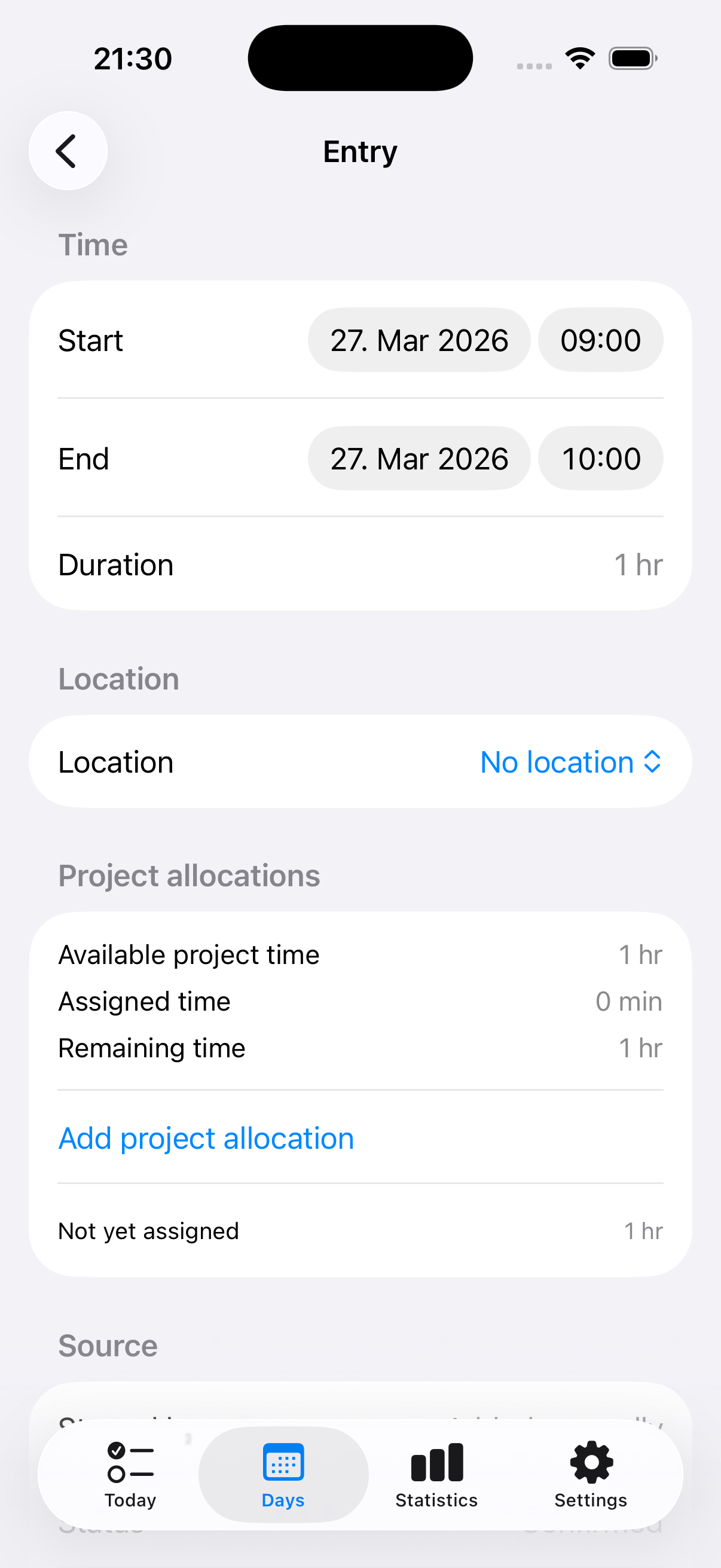
Add absences, business trips, correct times, restore hidden entries, or add project meaning if needed.
Statistics, balances, reminders, and exports are based on a day you have already reviewed.
Deskit works best with a small Bluetooth iBeacon placed at your desk. It enables desk-based presence detection, but the product experience is about effortless review, not hardware management.
Projects
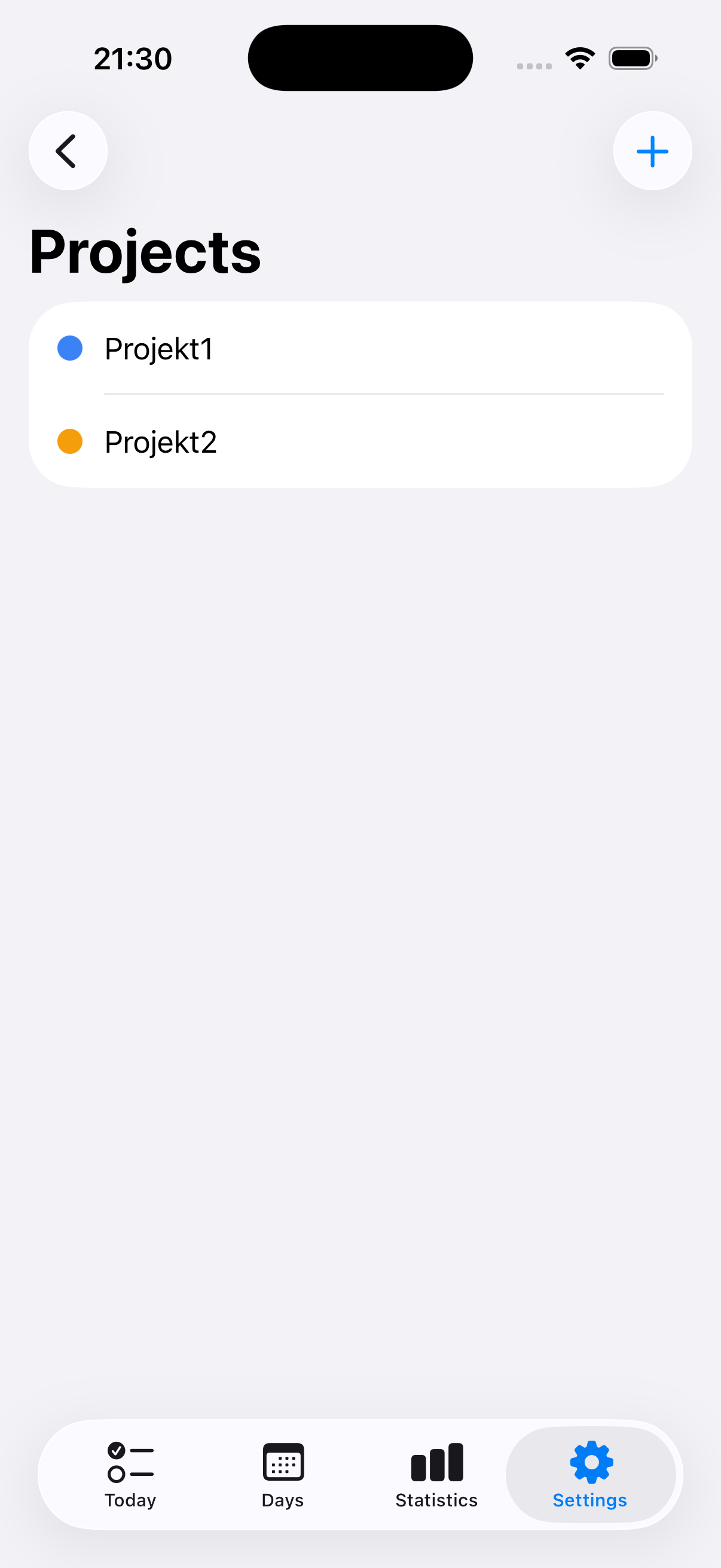
Your day is prepared automatically. Projects are an optional layer you add only when you want more context.
Statistics and balances
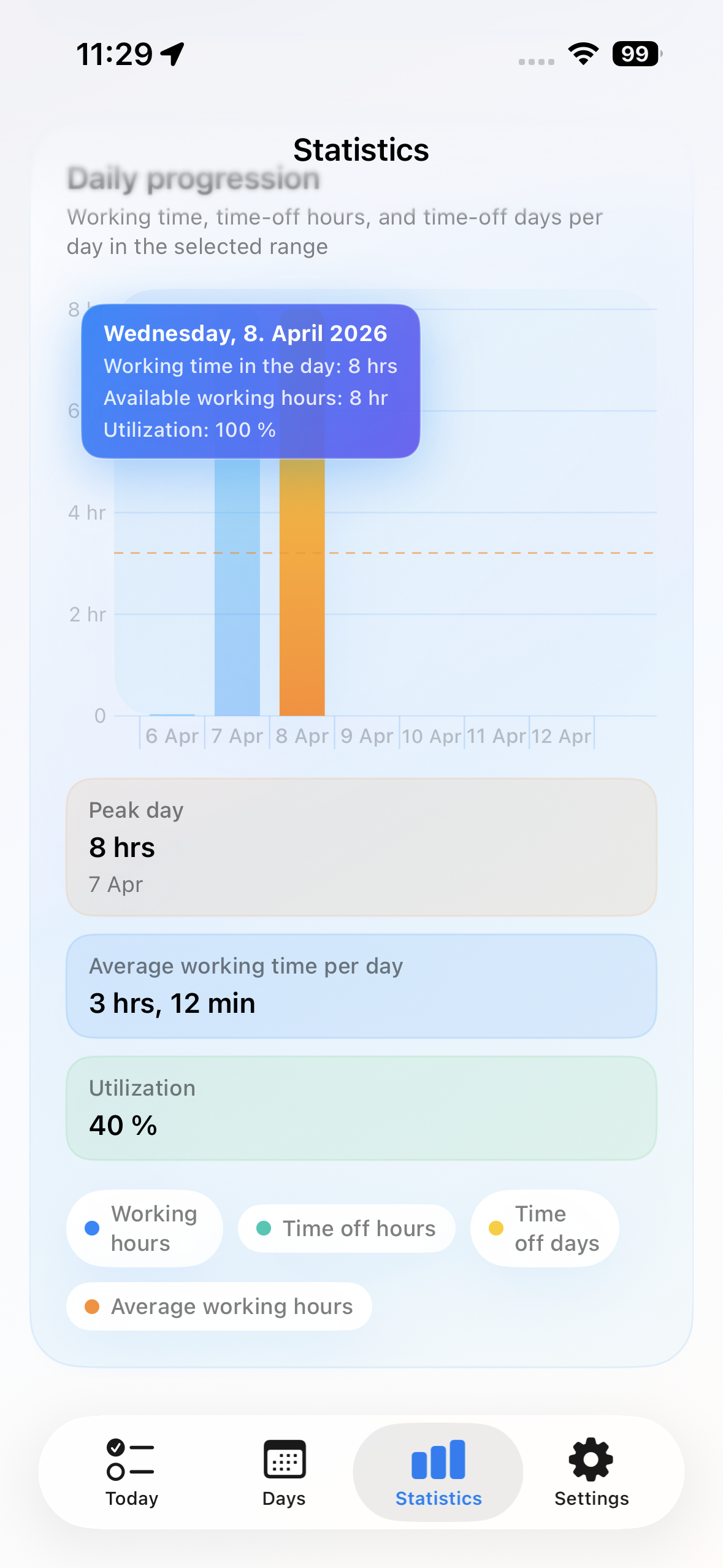
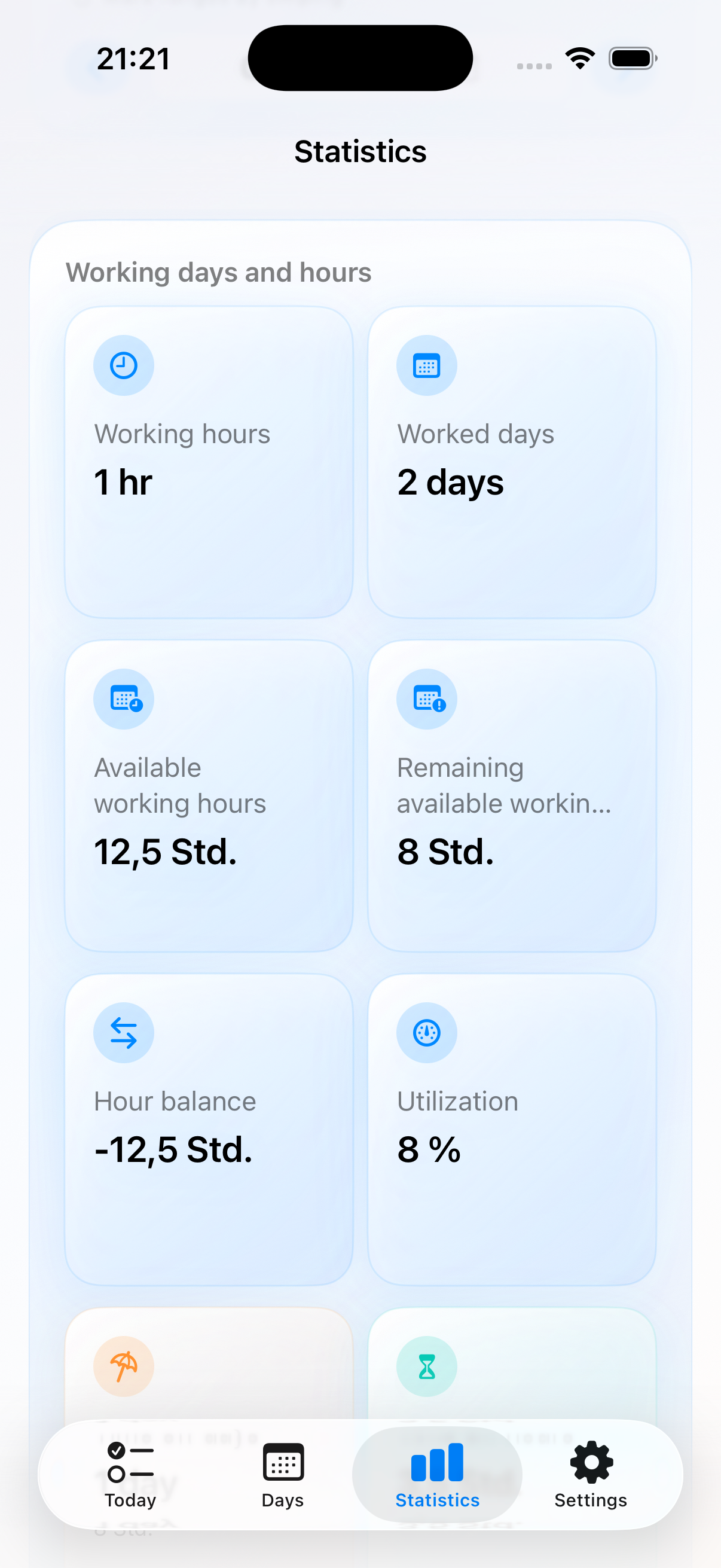
Deskit does not stop at raw durations. It shows patterns, workload, and balances in a form that is quick to review.
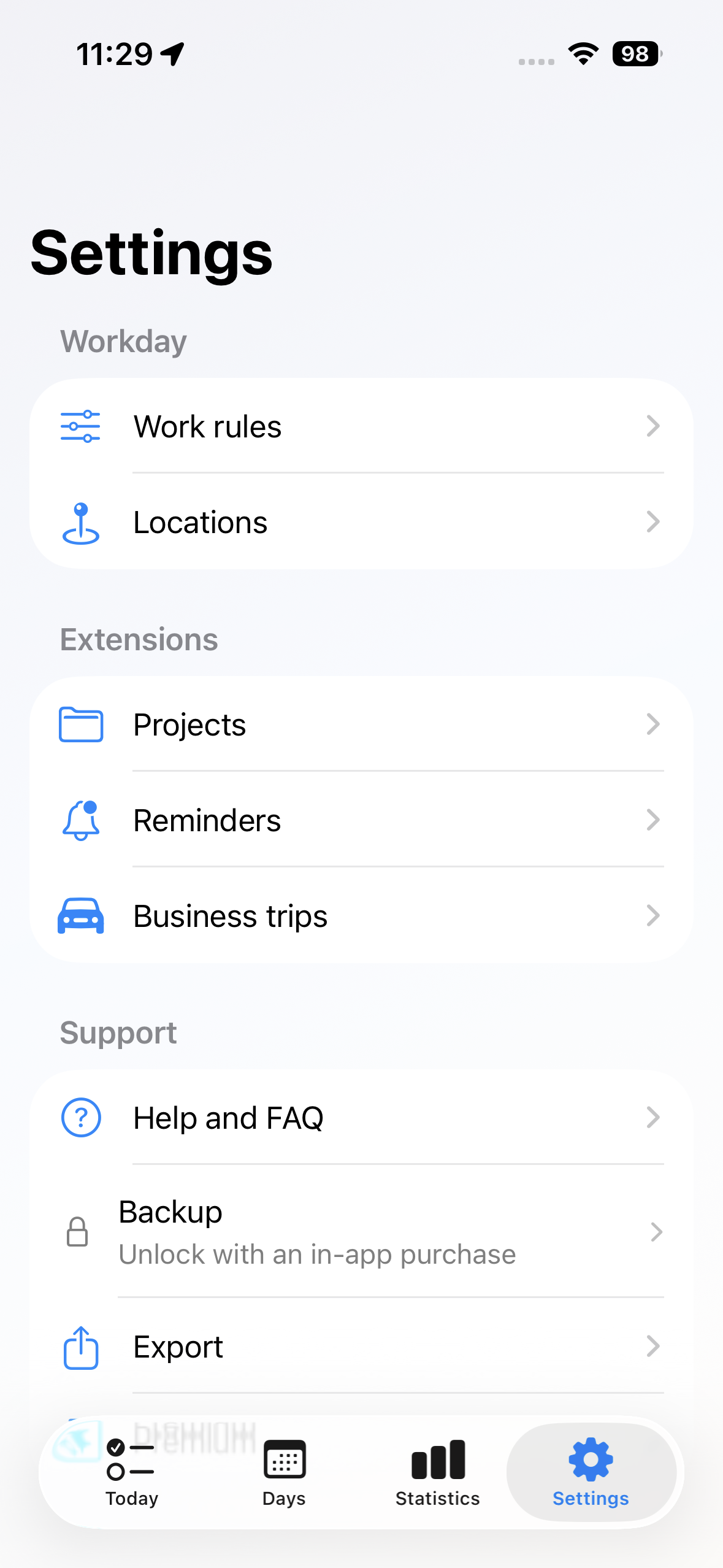
Settings
Rules, places, projects, reminders, timed start, and business trips are organized in one settings area, so the app grows without feeling overloaded.
What else is built in
Vacation, sick leave, appointments, and time off live next to work entries instead of in a separate system.
Trips can be captured as part of the same day, so work away from your desk does not disappear from the overall picture.
See work patterns, reviews, balances, and over- or under-hours across weeks, months, and beyond.
Get a nudge when a day still needs review so unfinished time does not quietly drift away.
Export relevant data when you need it, without turning the app into a spreadsheet workflow.
Deskit calculates over- and under-hours and lets you adjust the balance when real-life changes need to be reflected.
Rules, places, projects, reminders, timed start, and support live in one calm settings area instead of being scattered.
Some advanced capabilities are unlocked through in-app purchases, while the core review flow stays clear and focused.
FAQ
Built for home office and hybrid work
Deskit turns presence into a prepared day, then gives you a calm review flow for corrections, context, balances, and insights.