home_pin
Product overview
Your workday is already there
Deskit prepares your day from desk presence, then gives you a calm review flow for corrections, absences, projects, balances, and insights. You do not actively track time. You review and refine what is already there.
- Prepared automatically from desk presence
- Reviewed instead of manually tracked
- Expanded with absences, projects, and balances only when needed
Today view
Prepared first. Reviewed when needed.
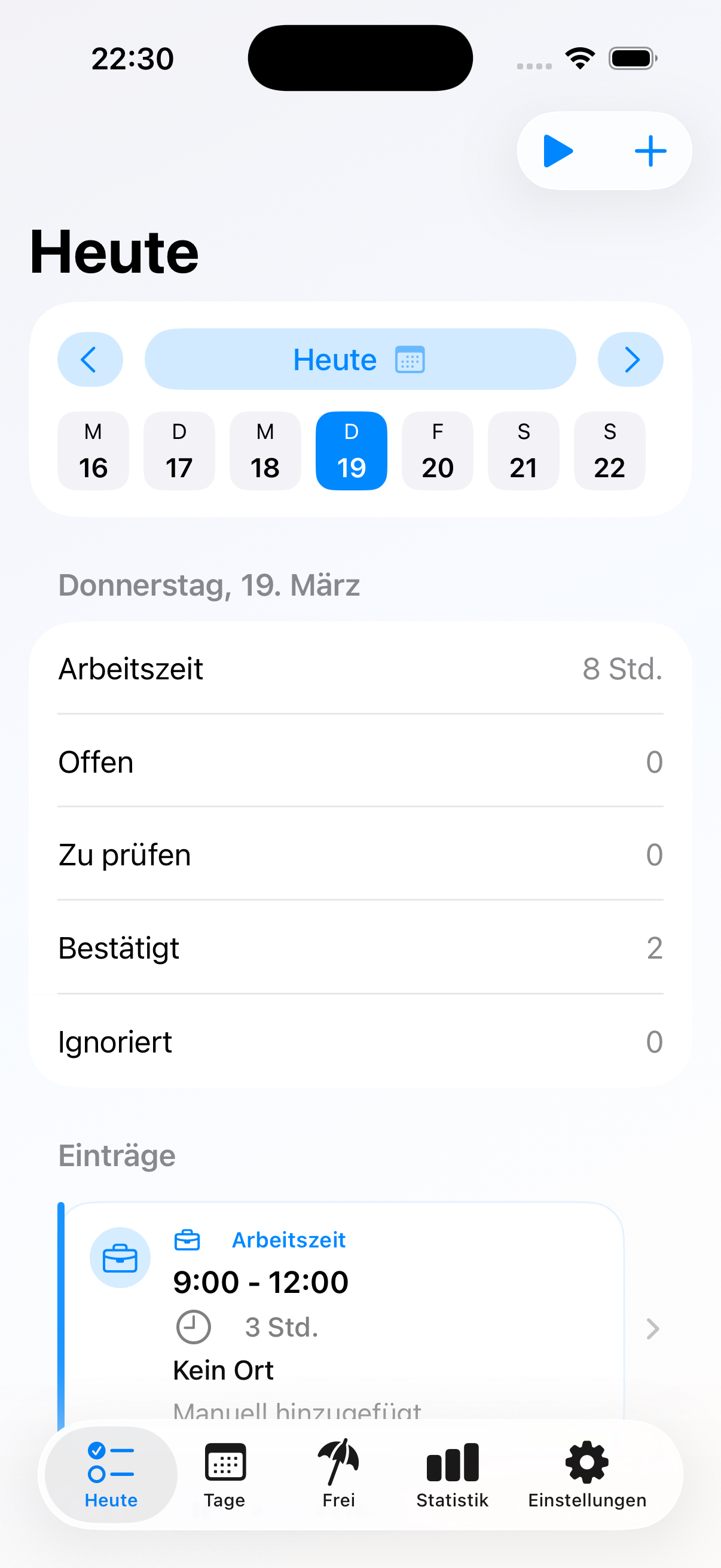
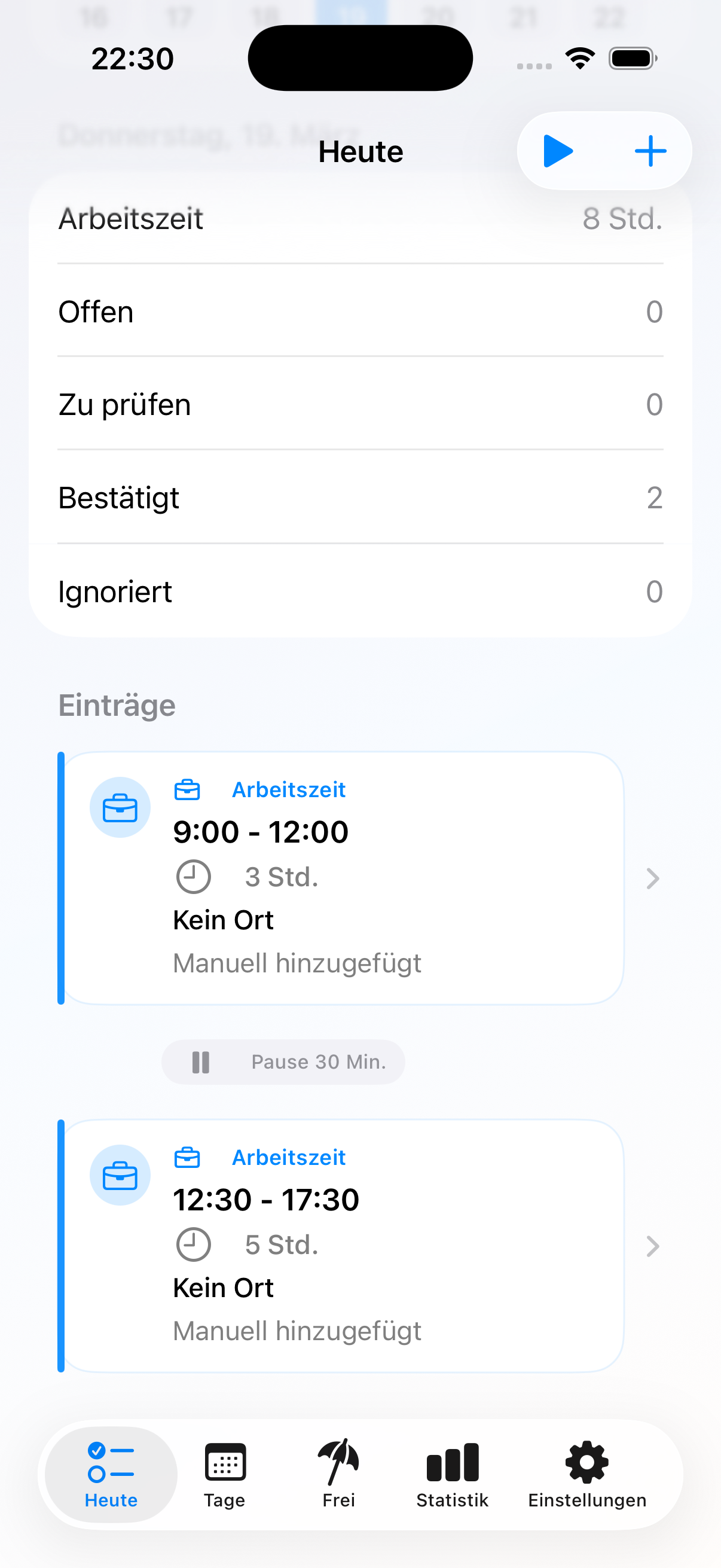
The Today view is the center of Deskit. It shows what the app already prepared from desk presence, how much is still open, and which entries still need your attention. That makes the day easier to understand even when you forgot to start, pause, or stop anything manually.
- See prepared work blocks before you start reviewing
- Confirm, correct, hide, or restore entries
- Keep responsibility for the final result without doing the preparation yourself
Days
A clearer overview across days
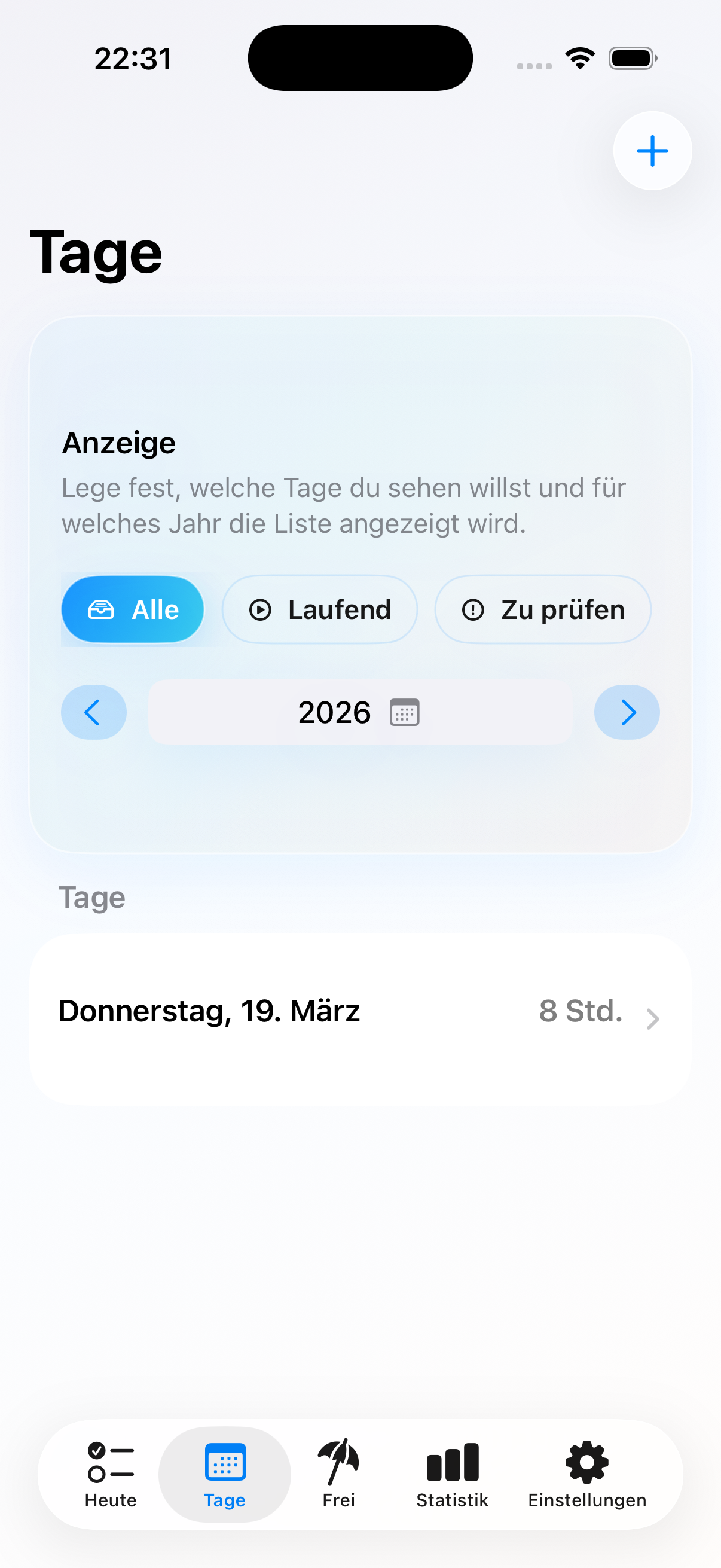
Deskit does not stop at the current moment. The day list helps you quickly see what is already in place, which days still need attention, and where reviewed time already feels complete.
- Switch between year and day-based views
- Find days that still need review
- Keep the bigger picture without adding complexity
Absences
Absences stay in the same flow
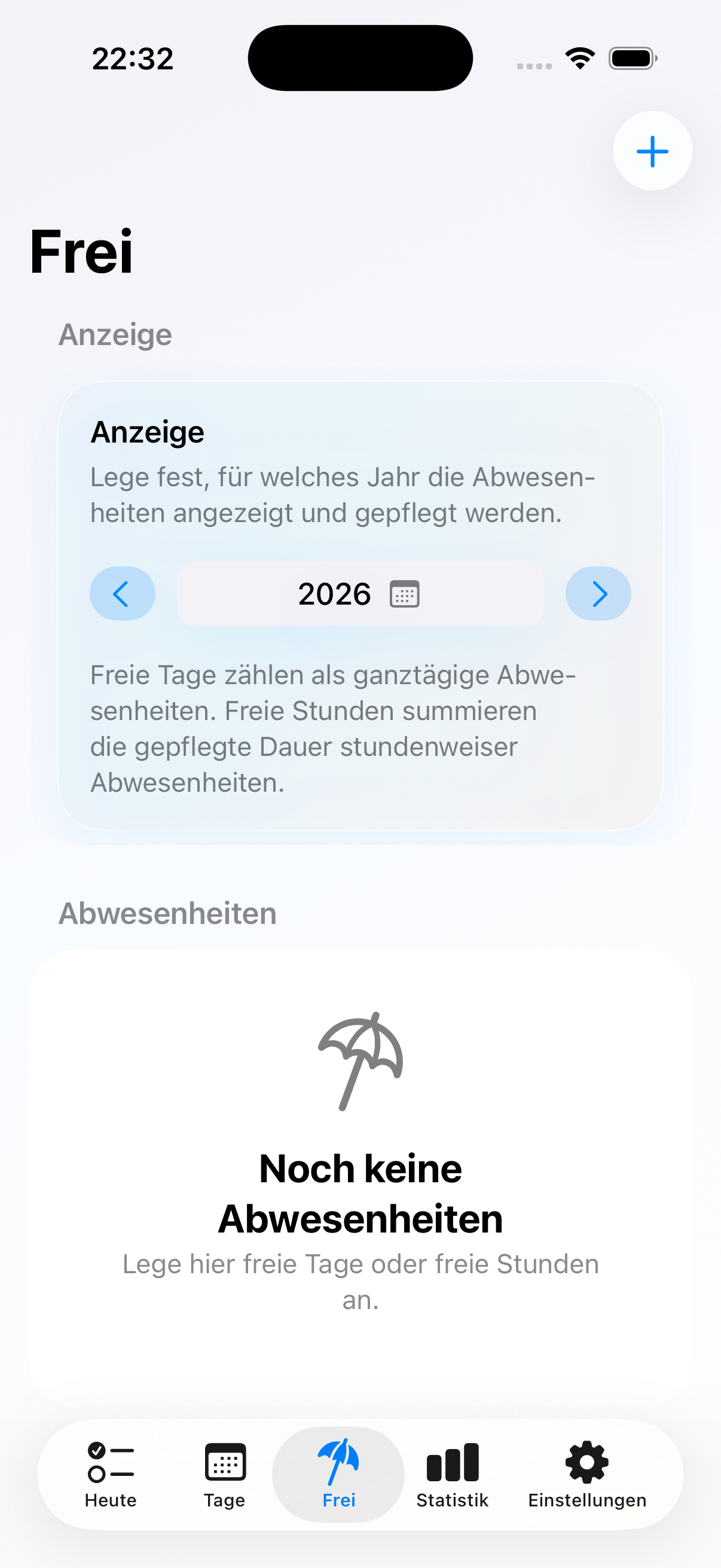
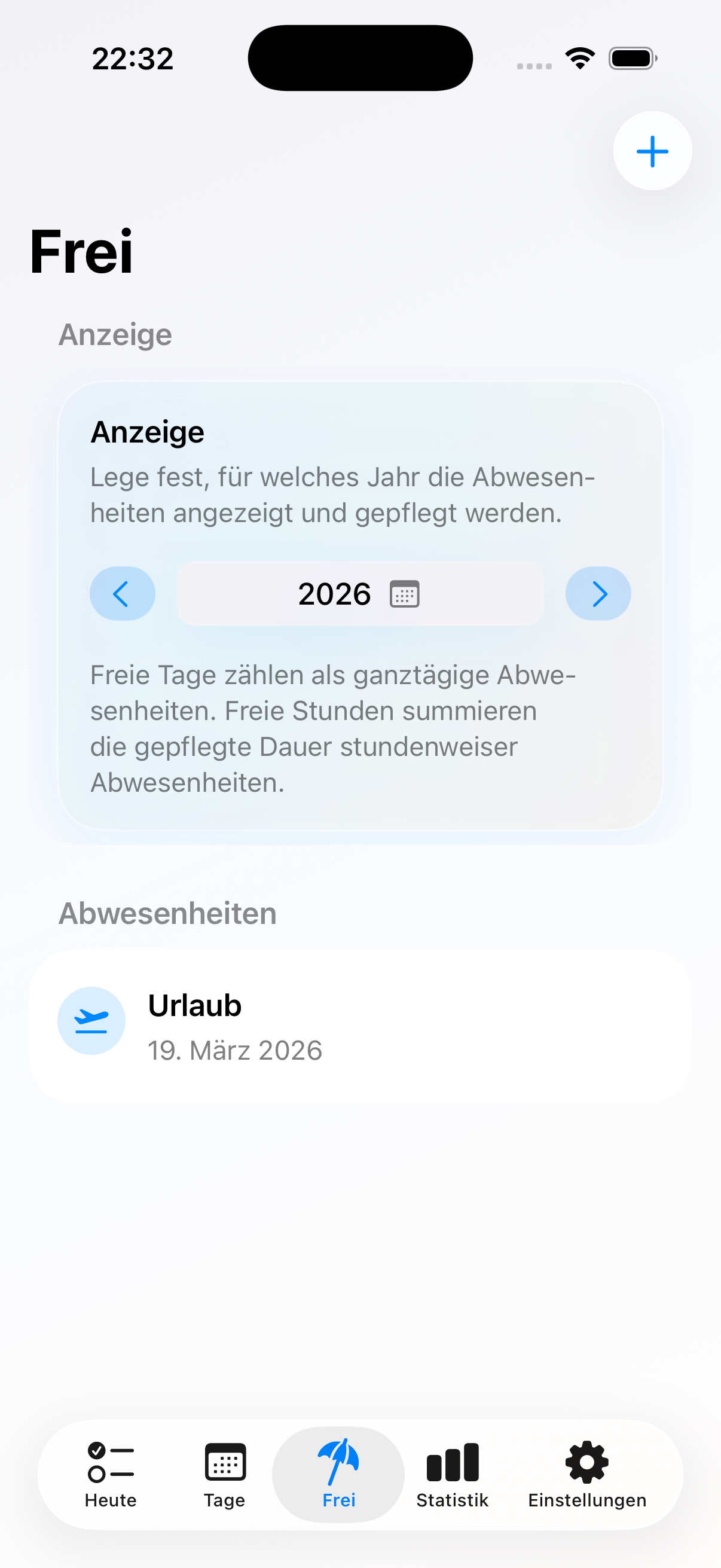
Vacation, sick leave, appointments, and time off belong to the same workday story. Deskit keeps them close to your reviewed time, so you do not need a second tool just to keep the day realistic.
- Add full-day or hour-based absences
- Use clear types like vacation, sick leave, or appointments
- Keep reviewed time, absences, and later statistics connected
Insights and balances
From recorded time to something you can understand
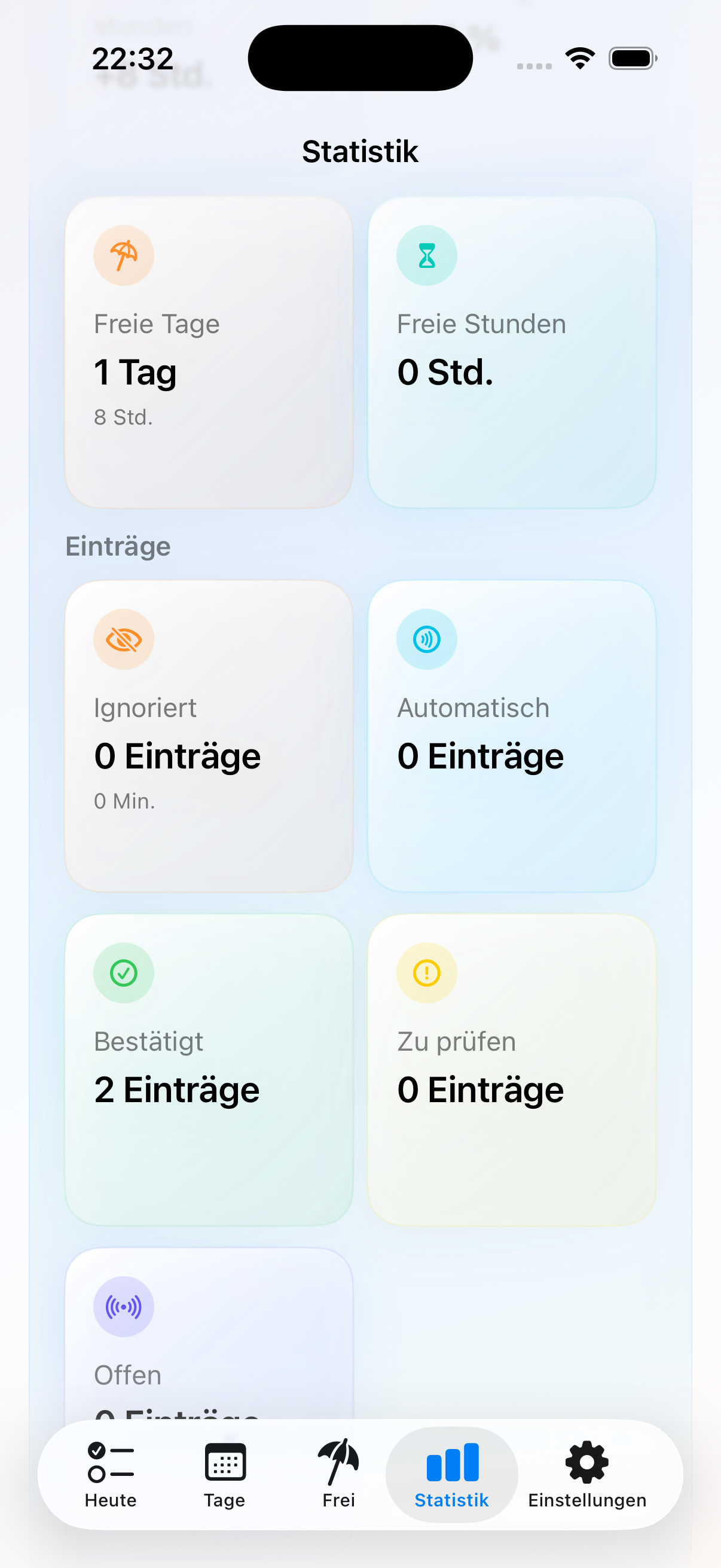
Deskit turns reviewed time into clear signals. Statistics show status, work patterns, and totals, while balance settings let you reflect the reality behind the numbers.
- See confirmed, open, ignored, and automatic entries at a glance
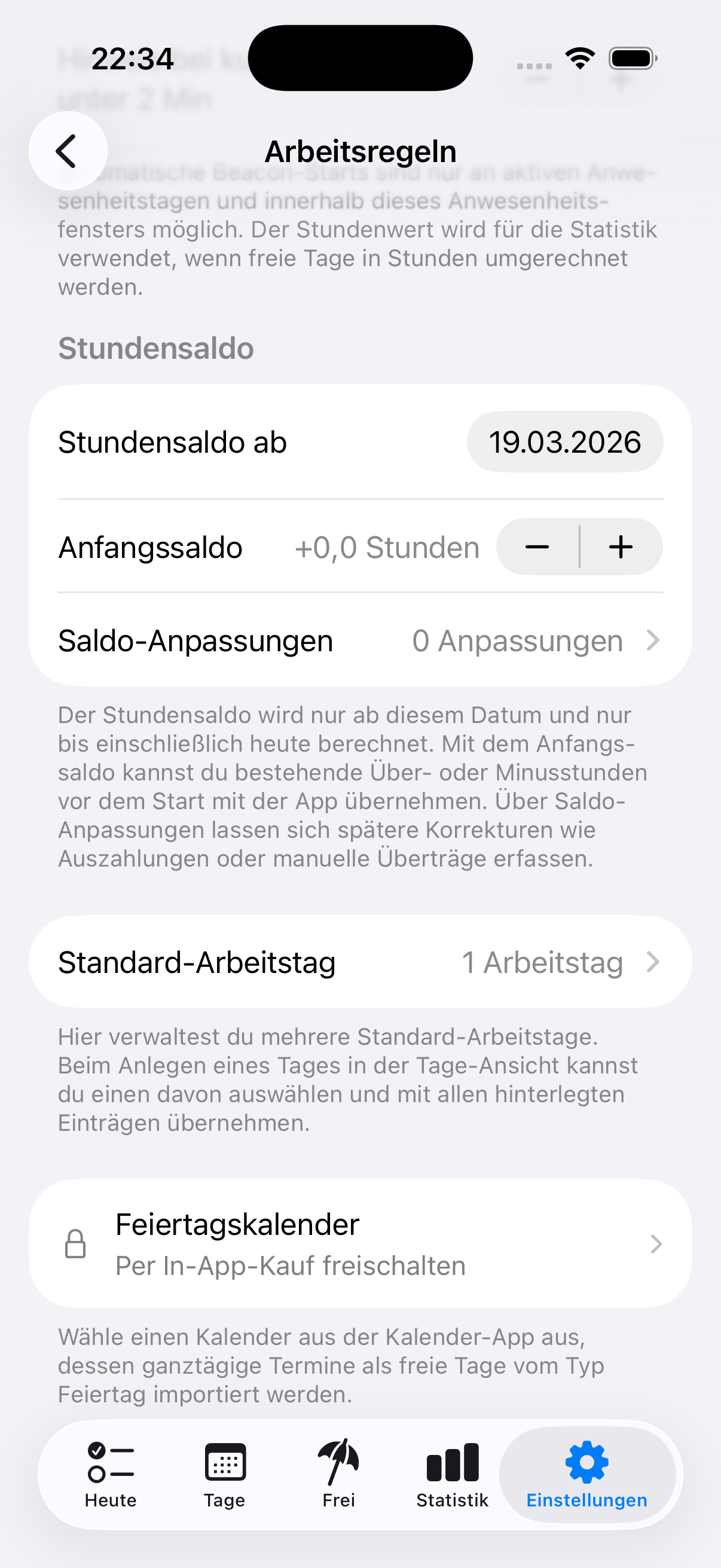
- Track over- and under-hours as part of the same system
- Adjust the balance when something real changes, like paid overtime
Projects
Add meaning to your day without changing presence
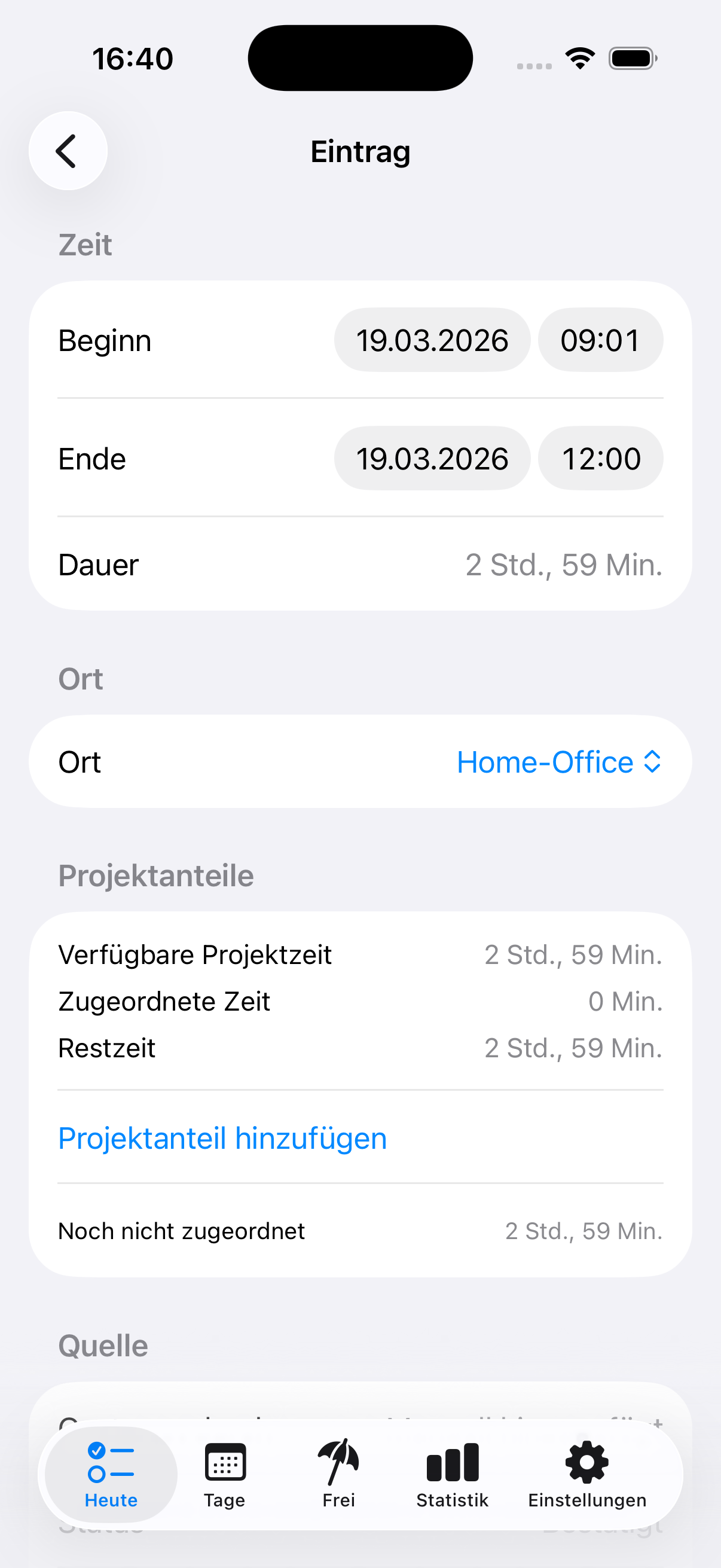
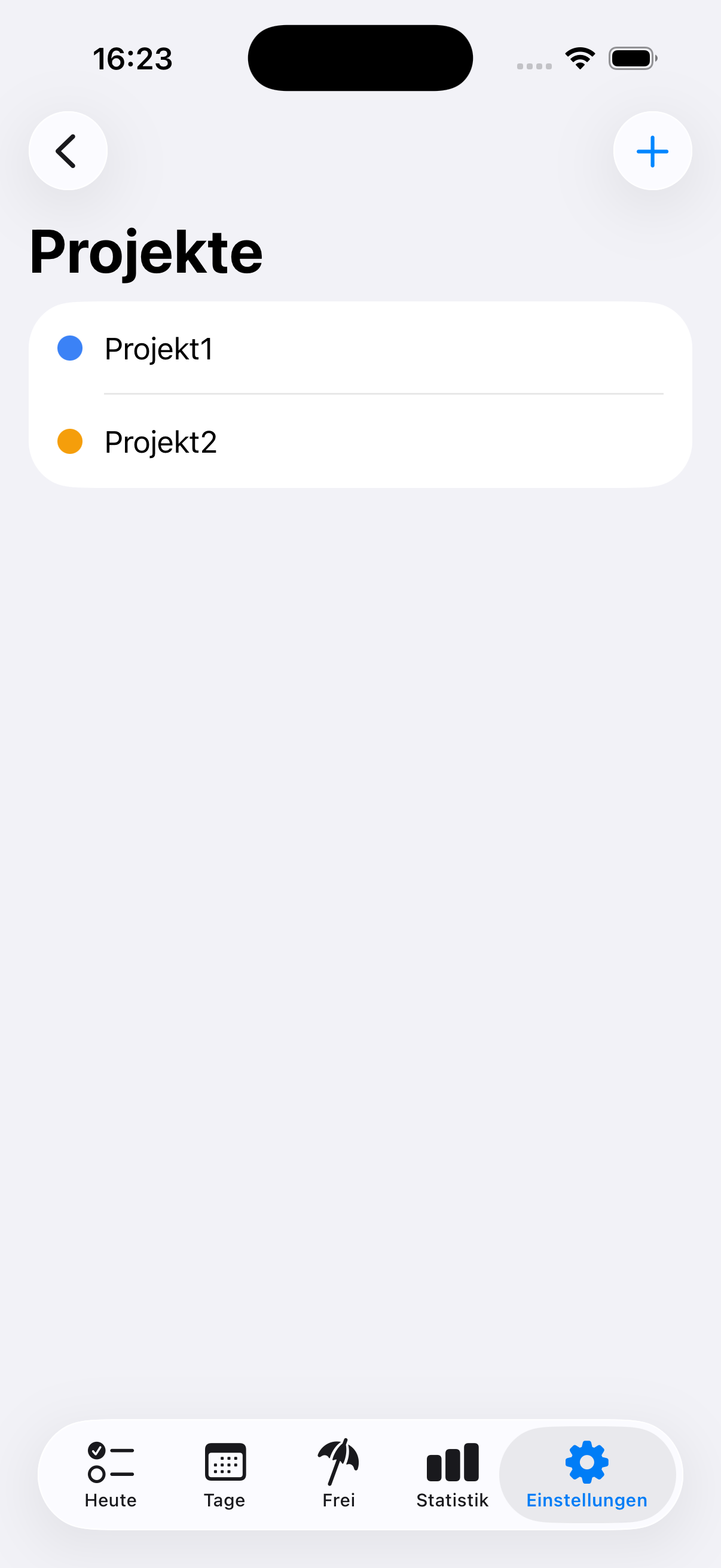
Projects are optional in Deskit. Presence is prepared first. If you need more context later, you can assign entries manually, split time across multiple projects, and make the day more meaningful without turning the app into a timer.
- Assign projects only when the context matters
- Split one block across multiple projects
- Keep automatic presence separate from project meaning
Places and iBeacon
Desk detection with a small setup footprint
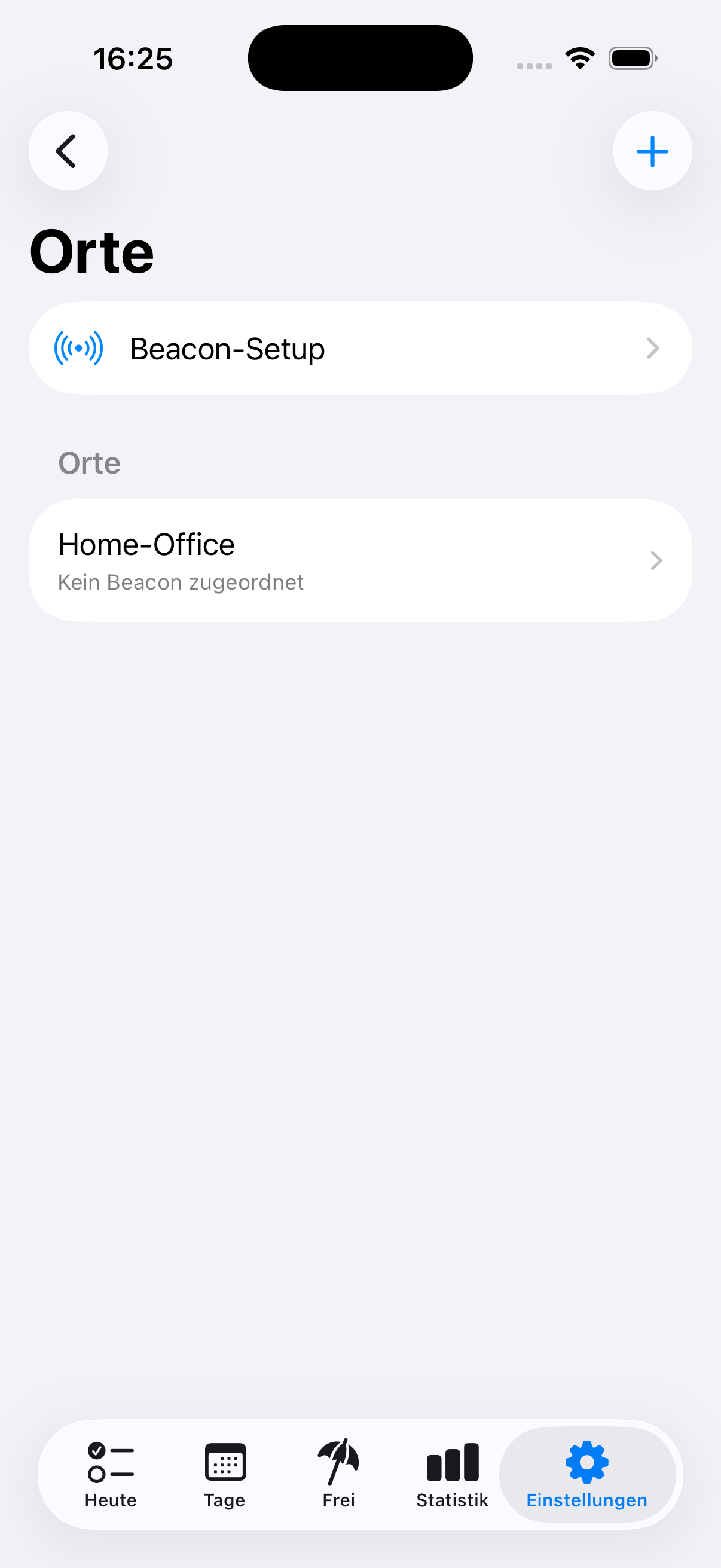
Automatic presence detection needs a small Bluetooth iBeacon at the workplace. Deskit explains it as setup, not as the product itself. You can store multiple iBeacons for places like your home office, an office desk, or a co-working space.
- An iBeacon is a small Bluetooth sender placed at the workplace
- Multiple iBeacons can support multiple work locations
- Presence is tied to the actual desk, not just being somewhere at home
Settings
Rules, reminders, export, and premium in one place
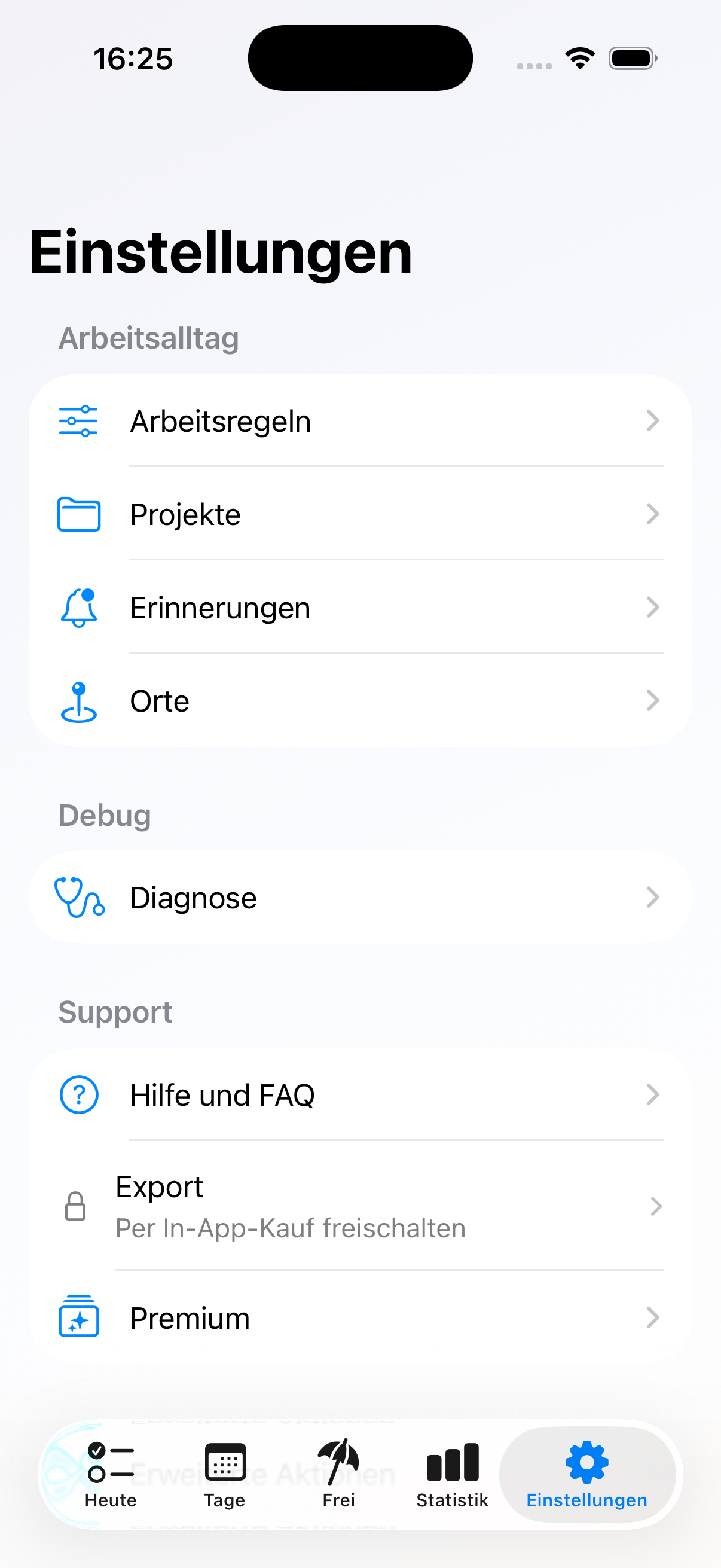
The settings area keeps the rest of the workflow clean. Work rules, reminders, places, projects, exports, and premium capabilities stay organized in one place, so the daily experience can stay focused.
- Configure work rules and reminders without cluttering the main flow
- Manage places and project setup centrally
- Access export and premium options when needed
Built for home office and hybrid work
Review less friction. Keep more clarity.
Deskit prepares your day first, then gives you a calm place to refine it with corrections, absences, projects, balances, and insights.